 Live
Axiom Calculator
Every calculator you need, in one.
10 modes, from scientific and graphing to matrix, calculus and programmer. Works offline.
On iPhone: open it in Safari, tap Share, then “Add to Home Screen”.
Install on this computer
Open the app in Chrome or Edge, then click the install icon at the right of the address bar (or choose “Install” from the browser menu). It then opens in its own window, like any other app.
Send to your phone
Point your phone’s camera at the code to open this page there.
Other ways to get it
- Open Axiom
- Google Play: coming soon
- App Store: coming soon
Inside Axiom
Every calculator you need, in one.
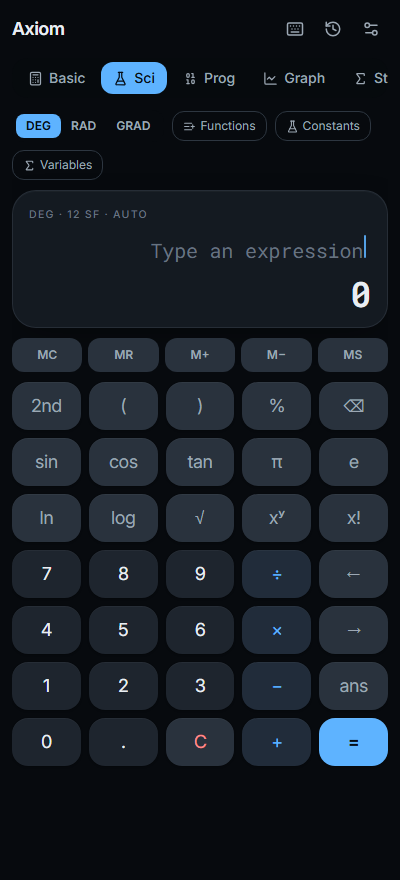
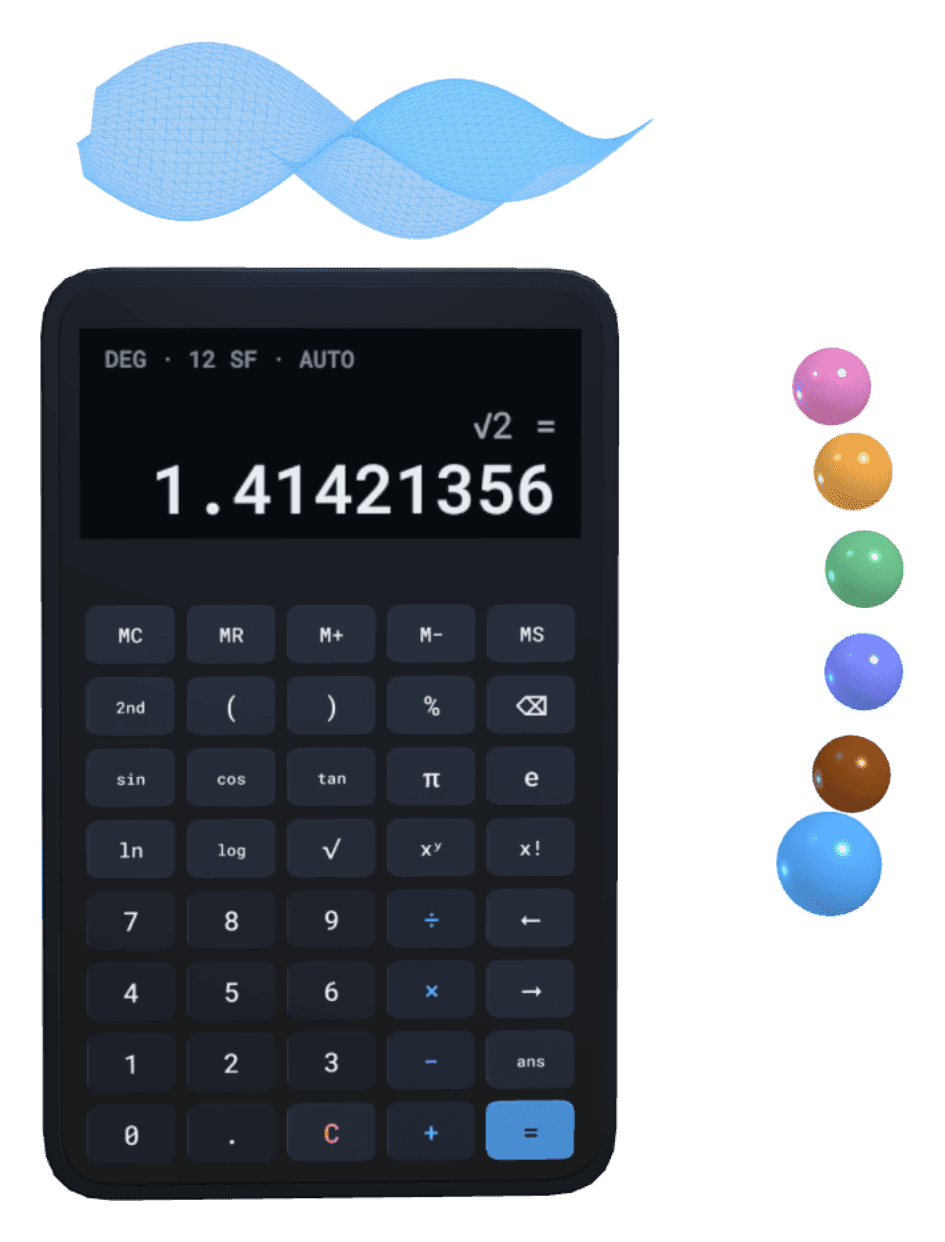
Type a calculation and every number lines up as you go.
Basic to Scientific in one tap.
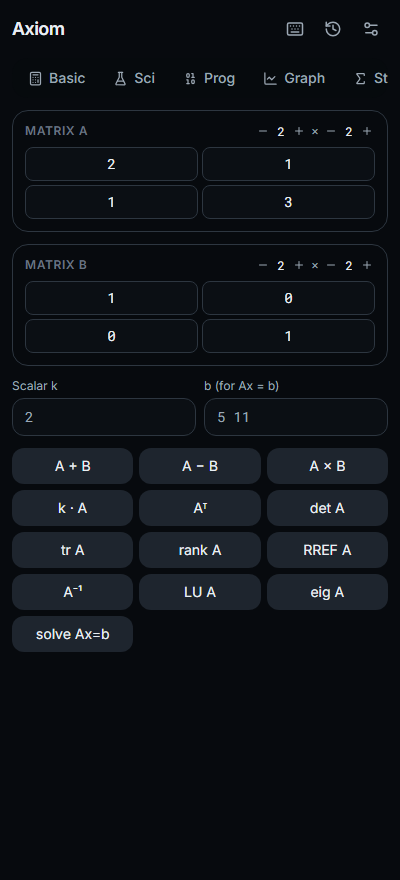
Switch modes and the keys slide into place. 10 modes in all, from scientific and graphing to matrix, calculus and programmer.
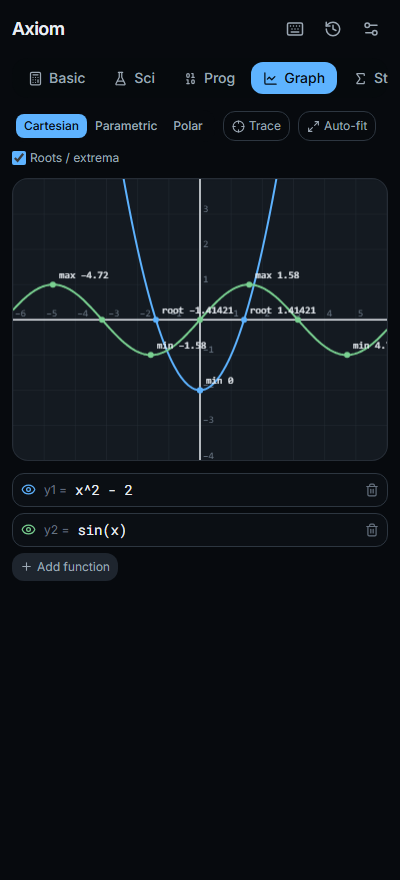
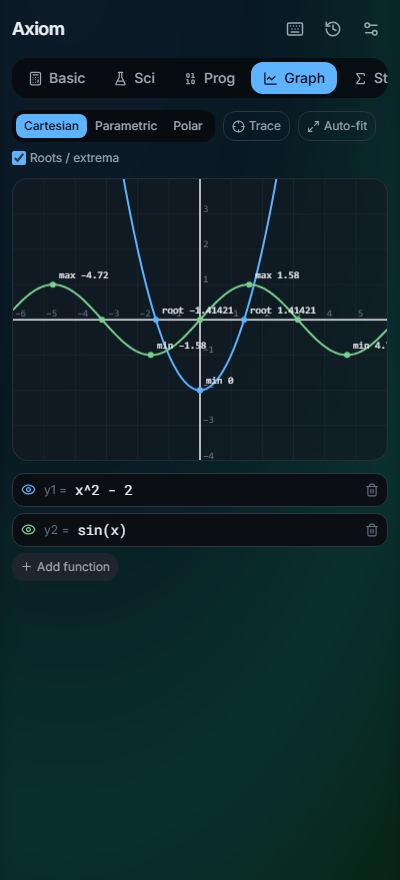
Graph anything.
Plot functions and explore them. Trace a curve and see its roots and turning points.
Make it yours.
12 themes and your own wallpaper, with text that always stays readable.
Try a theme:
Screenshots
Swipe to see more. Tap one to open it full size.
What you can do
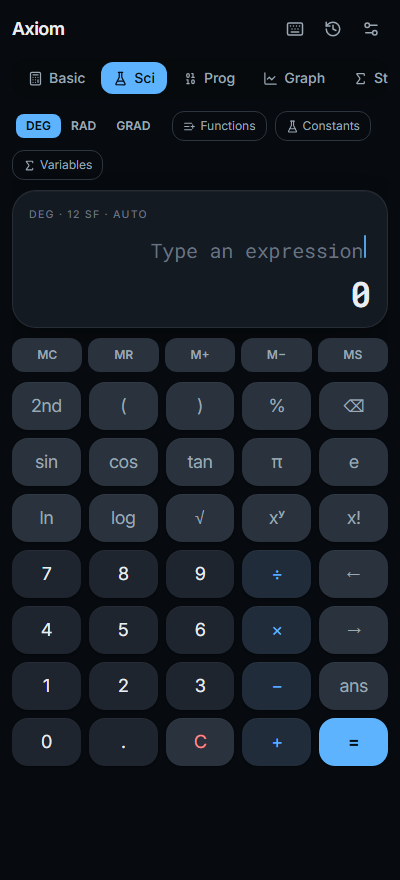
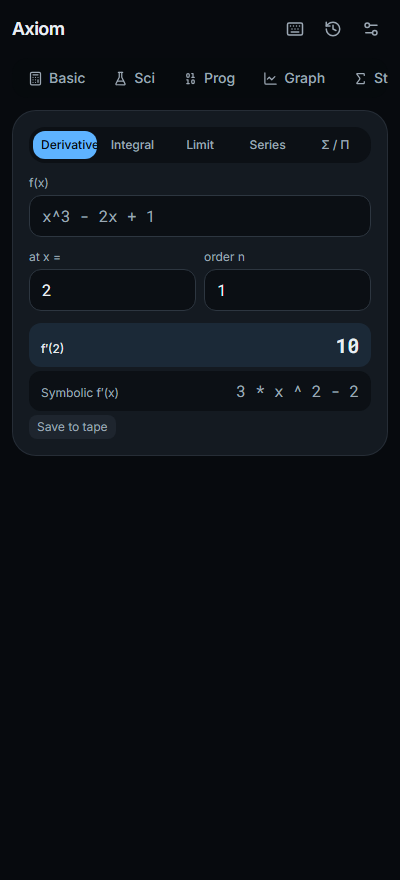
10 modes in one app
Basic, Scientific, Graphing, Matrix, Calculus, Solver, Complex, Programmer, Converters and Statistics.
Graph anything
Plot functions and explore them. Trace a curve and see its roots and turning points.
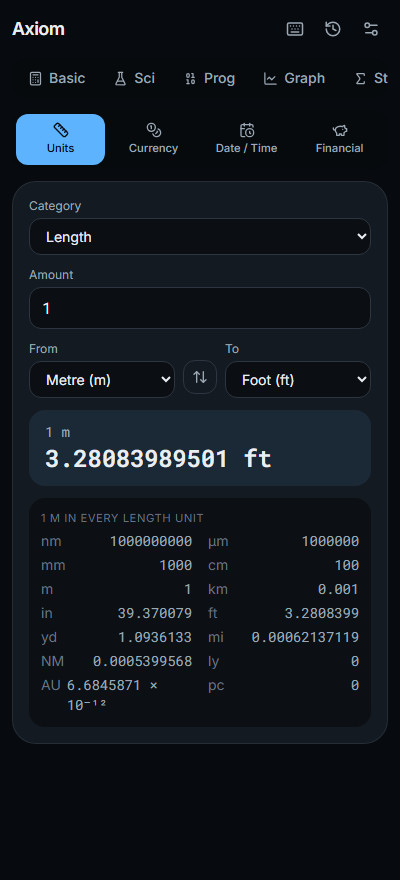
Units and currency
Convert units, dates and currencies. Currency rates are saved on your device, so they still work offline.
Make it yours
12 themes and your own wallpaper, with text that always stays readable.
Works offline
Install it like an app from your browser. After that, it works without a connection.
- 10 calculator modes
- 12 themes
About Axiom Calculator
Axiom is a calm, precise calculator for every kind of maths, from everyday sums to graduate-level work. Pick a mode, type your calculation, and every number lines up as you go.
On iPhone today: open Axiom in Safari and choose Add to Home Screen. Google Play and App Store versions are coming soon.
Who it’s for
Built for students from high school to graduate level, and for professionals, scientists, engineers and anyone who works with numbers.
Get it your way
- Open AxiomWorks on phones and computers. No install needed.
- Google PlayComing soon
- App StoreComing soon
Questions
Do I need to download it?
No. Open it in your browser on a phone or computer. To keep it on your home screen and use it offline, install it from the browser.
Does it work offline?
Yes. Once it's installed, every mode works without a connection. Currency conversion uses the last rates it saved and shows how old they are.
Is it on Google Play or the App Store?
Both are coming soon. Until then, open Axiom in your browser and install it from there. On iPhone, open it in Safari and choose Add to Home Screen. It then works like any other app.
Where are my history and settings kept?
On your device only. Your calculation history, settings and wallpaper never leave it. See the privacy page.
The small print
- Version
- 1.2.0
- Works on
- Any recent browser on a phone or computer
- Age
- 13+
Help with Axiom Calculator? Email [email protected].
More from Benji Oddballs Studios
 Coming soon
Atlas Corporis
The human body, mapped.
 Play now
Naija Table
Pull up a chair.
- Browser
- APK